StackableStackable

Scan. Type. Stack.

Real builds, with 3D instructions and a full parts list.

What do you want to make?
Designed for you
Designed by you
Free to start. No card required.
34.5kBrick parts
26.8kOfficial sets
4Ways to make
Made with Stackable

Buildings

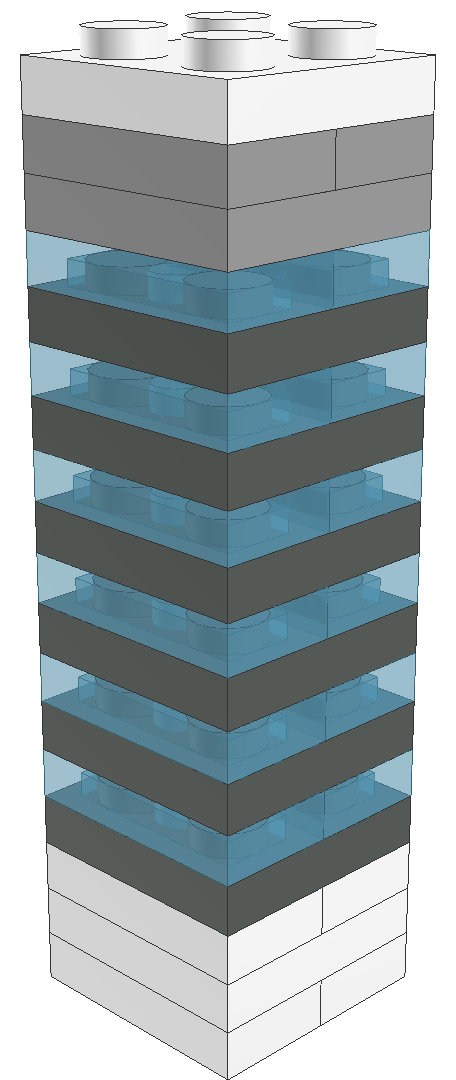
Futuristic skyscraper

Space

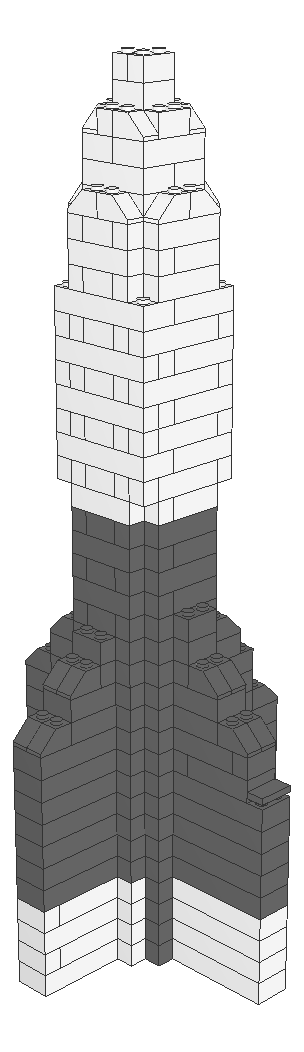
Space rocket

Animals

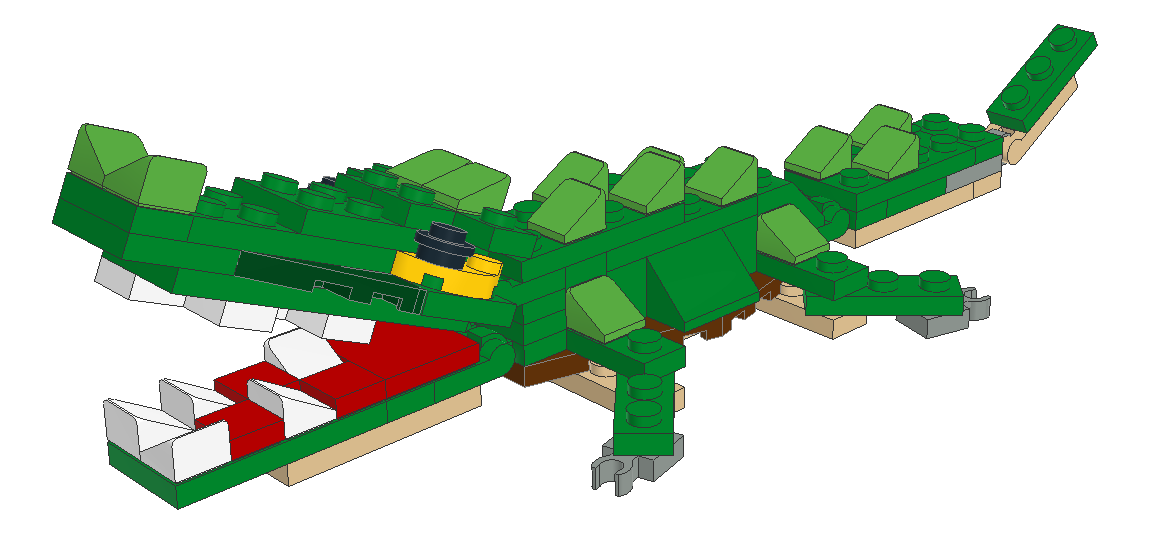
Crocodile

Vehicles

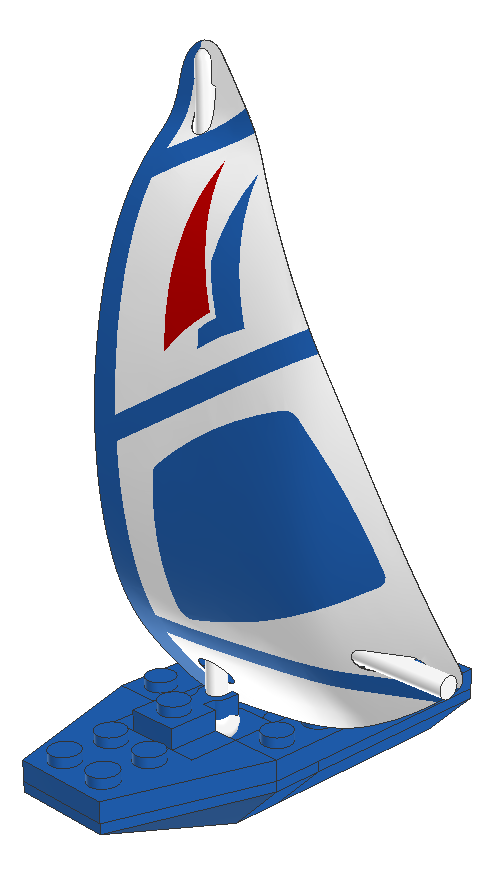
Blue sailboat

Vehicles

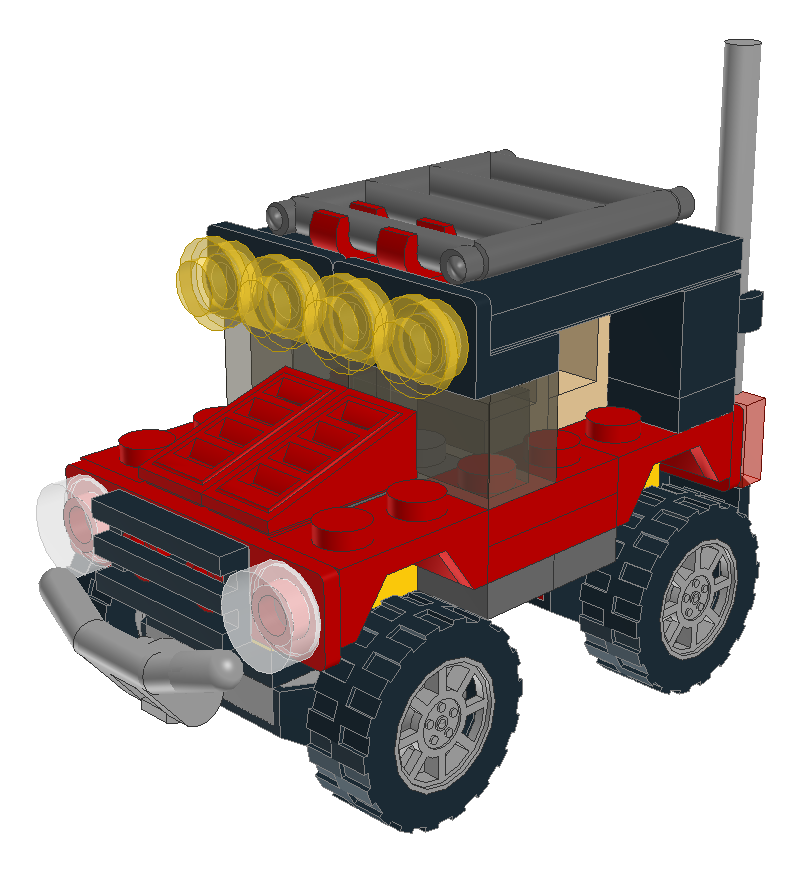
Desert racers

Animals

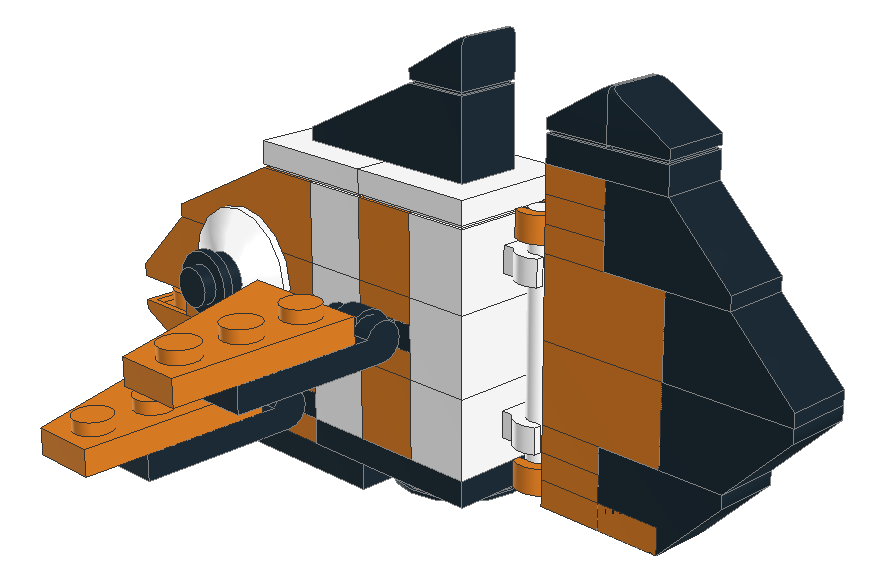
Clownfish

Animals

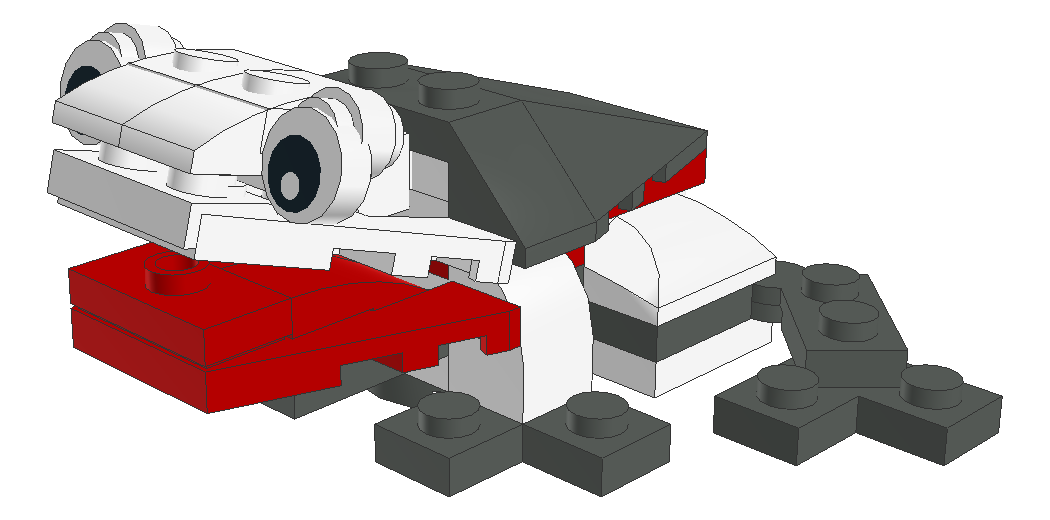
Frog

Captured

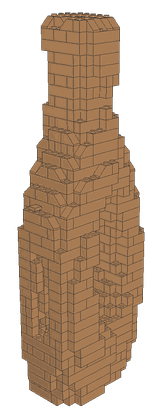
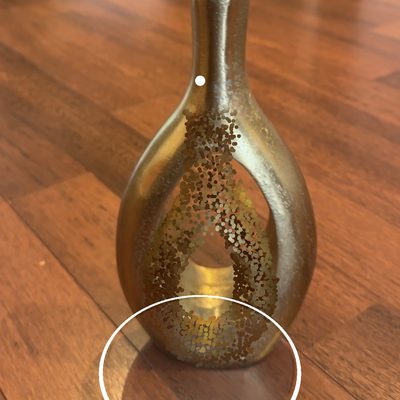
Gold Vase

Mosaic

Eiffel Tower Mosaic

Buildings

Futuristic skyscraper

Space

Space rocket

Animals

Crocodile

Vehicles

Blue sailboat

Vehicles

Desert racers

Animals

Clownfish

Animals

Frog

Captured

Gold Vase

Mosaic

Eiffel Tower Mosaic

How it works

Just chat. We engineer every brick.

Tell Stackable what you want to make, and it does the rest, turning a rough idea into a build you can make in about fifteen seconds.

  • Start any way you like. Type an idea, snap your pile, or scan a real object. Stackable takes it from there.
  • We engineer every brick. Geometry, the exact parts, and the build order, worked out for you in about fifteen seconds.
  • Ready to build. Every build comes with numbered 3D instructions and a full parts list, down to the color.
Built in house

Scan your bricks, build with your pile.

Stackable runs its own brick scanner, built in house from the camera frame to the part name. Snap your loose bricks, add the sets you own, and it all lands in one inventory you can build from.
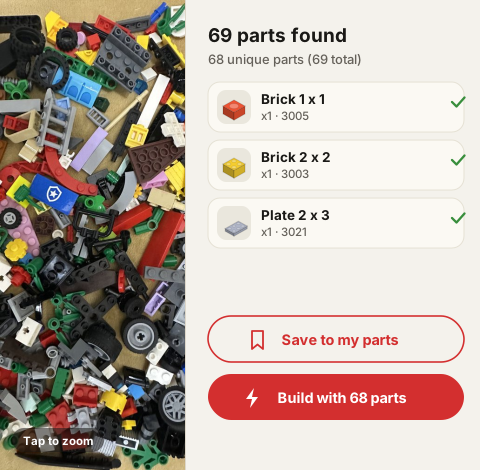
  • A much sharper scanner. It picks out part shapes far more accurately than the one it replaced.
  • Snap and go. Photograph the pile and your parts come back in seconds, ready to build with.
  • Color comes from the photo. Every part comes back tinted the color it actually is, read straight off your pixels.
Scan result: 69 parts found in a pile of loose bricks, each with its own render and color, ready to save or build with
New

Play with parts. Have fun building.

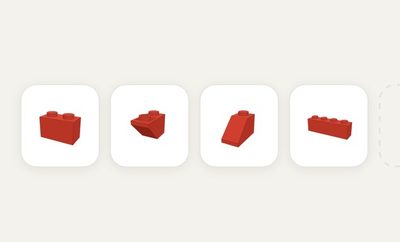
No prompt needed. Drag a part from your tray onto the grid and it snaps into place, brick by brick. Your own scanned parts fill the tray, so you build with what you already own.
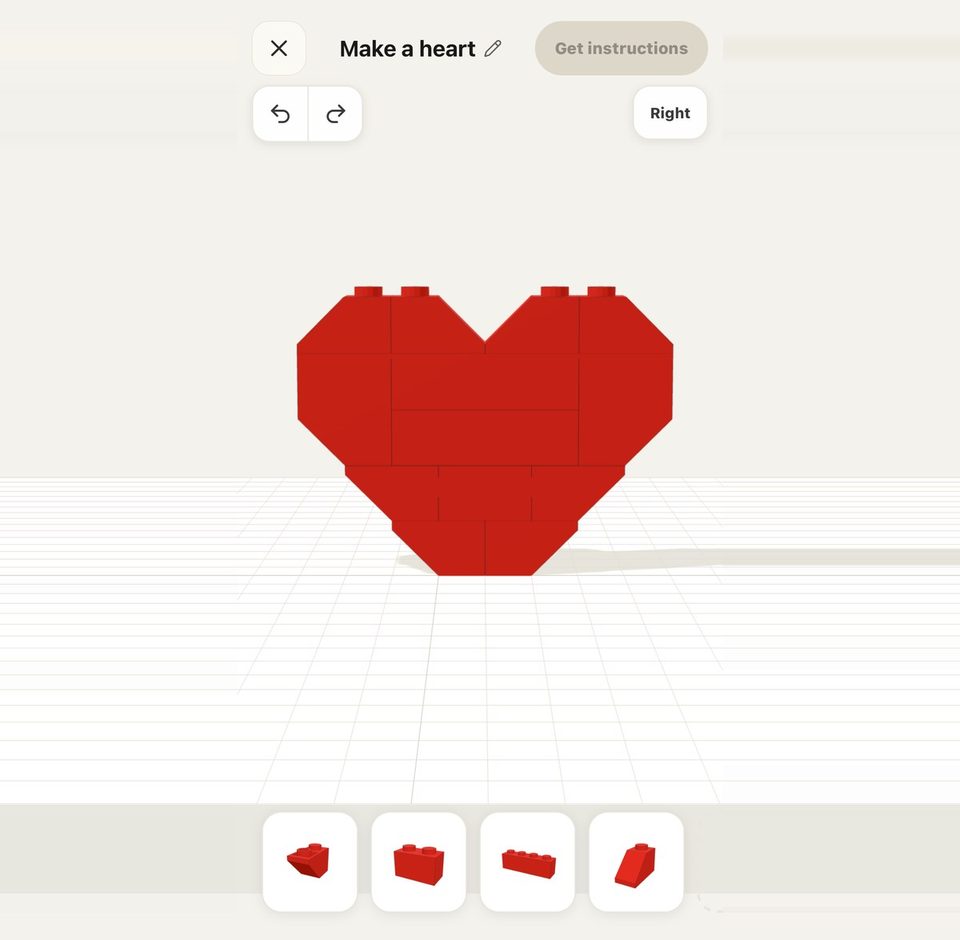
  • Drag, snap, place. A ghost shows where the part lands, green when it fits, red when it doesn’t.
  • Nudge, rotate, recolor. Slot a part in underneath and everything above lifts to make room.
  • Get instructions when you finish. Your build comes back with 3D steps, a PDF, and a parts list.
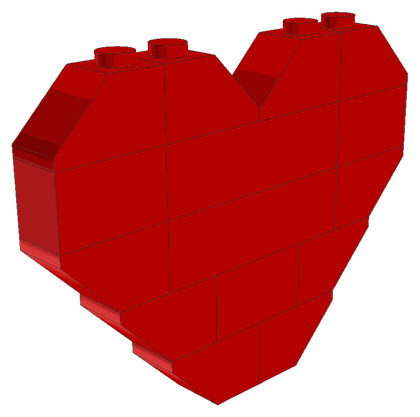
The hand-building surface: a red heart built by hand on the grid, ready to turn into instructions
New

Walk around it. Rebuild it in bricks.

Capture mode turns a real object into a build you can make. Move your camera around it, a vase, a trophy, your favorite mug, and Stackable rebuilds it in the round. The 3D reconstruction runs entirely on your device.
  • Just walk around. Move slowly and Stackable maps every side into a 3D model, no rig, no turntable.
  • Runs on your device. Reconstruction happens on your phone, so your photos stay with you.
  • Built in the round. The capture becomes a real build you can spin, in colors you can buy.
Mosaic
Photo
New

Any photo, rebuilt in bricks.

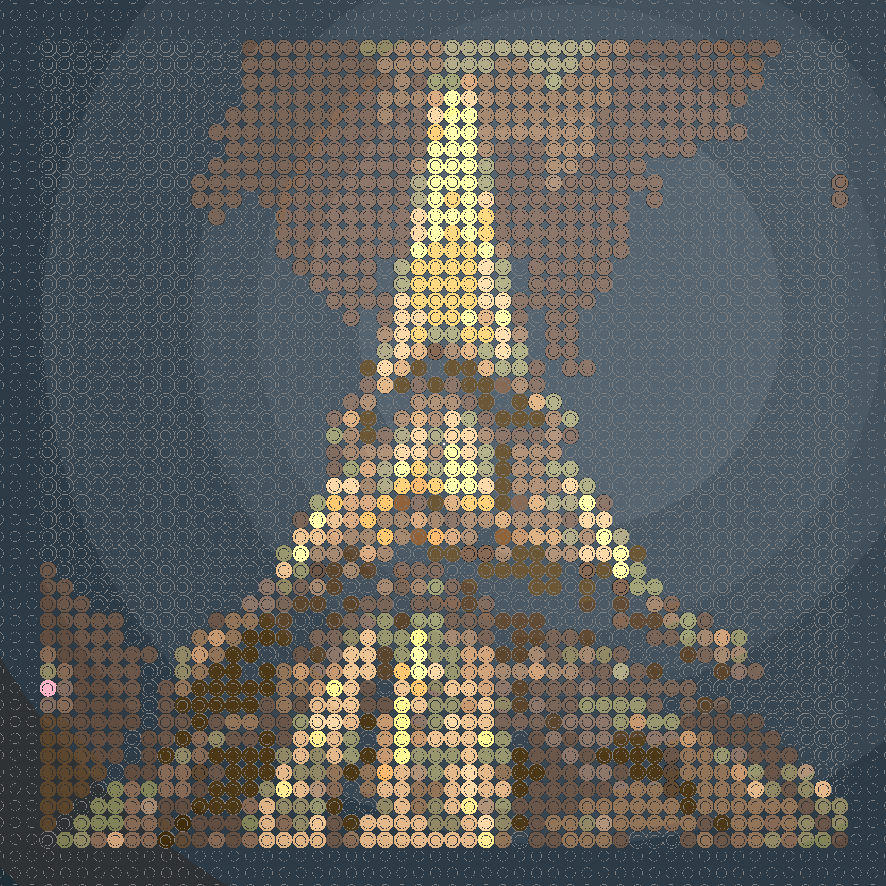
Drop in a photo and Mosaic mode maps it to a baseplate, matching each pixel to a real brick color. Drag the slider to see a photo become buildable wall art.

  • Pixel-perfect mapping. Your image, snapped to a stud grid in true brick colors.
  • Sorted parts list. Exact counts per color, grouped so building is fast.
  • Made to frame. Pick a size and Stackable lays out the baseplates to match.
The 3D viewer

Then build it, one brick at a time.

Every build opens in an interactive 3D viewer. Orbit it, zoom in, pull it apart, and step through the build, watching each piece fly into place exactly where it goes. No flat paper steps to decode.

  • Orbit, zoom, explode. Spin to any angle, pinch to zoom, or pull the whole build apart to see what’s inside.
  • Step through the build. Scrub the timeline or hit play. New pieces ease into place, one step at a time.
  • Find any piece. Tap a part to light it up in 3D while everything else dims, so you always know what to grab next.
Why Stackable

Your idea in.
A real build out.

Describe it, scan it, or photograph it. Stackable designs an original brick build to match, generated fresh every time with the parts and build order worked out for you.

Made from scratch

Type any prompt and get a build that’s yours alone. Parts, geometry, and build order are generated fresh for every idea.

Scan your pile

Already own a tub of bricks? Snap a photo and Stackable suggests builds you can make from exactly what you’ve got.

Refine in chat

“Make it convertible.” “Add headlights.” “Smaller, please.” Iterate naturally without starting over.

Pricing

Start free.
Build forever.

5 free builds a month, no card required. Upgrade to Pro for 50 builds a month, plus captures, mosaics, HD 3D, and full instructions.

No card required Cancel anytime
Free
$0/ month
  • 5 builds per month
  • Builds, captures & mosaics
  • Step-by-step 3D preview
  • Save to your builds
Get started
Out now

Build your first thing today.

Describe it, scan a pile of bricks, or snap parts together by hand. Every build comes with 3D instructions and a full parts list.

Get it on iOS
No spam. Unsubscribe anytime.

Stackable - build whatever, brick by brick